

Administration guide
Administration settings are available from Settings. They control organization-level access, automation credentials, notifications, and audit visibility.
Account and organization
Section titled “Account and organization”The Account tab links to organization settings, member management, and role management. Use it to confirm which organization is active before changing API keys or notification settings.
Have I Been Squatted uses two organization roles:
- Admin can manage settings and admin-gated actions such as adding monitored domains.
- Member can use entitled product surfaces but cannot manage organization settings.
For plan, entitlement, and feature-flag behavior, see the access control reference.
API keys
Section titled “API keys”The API Keys tab manages programmatic access to the public API.
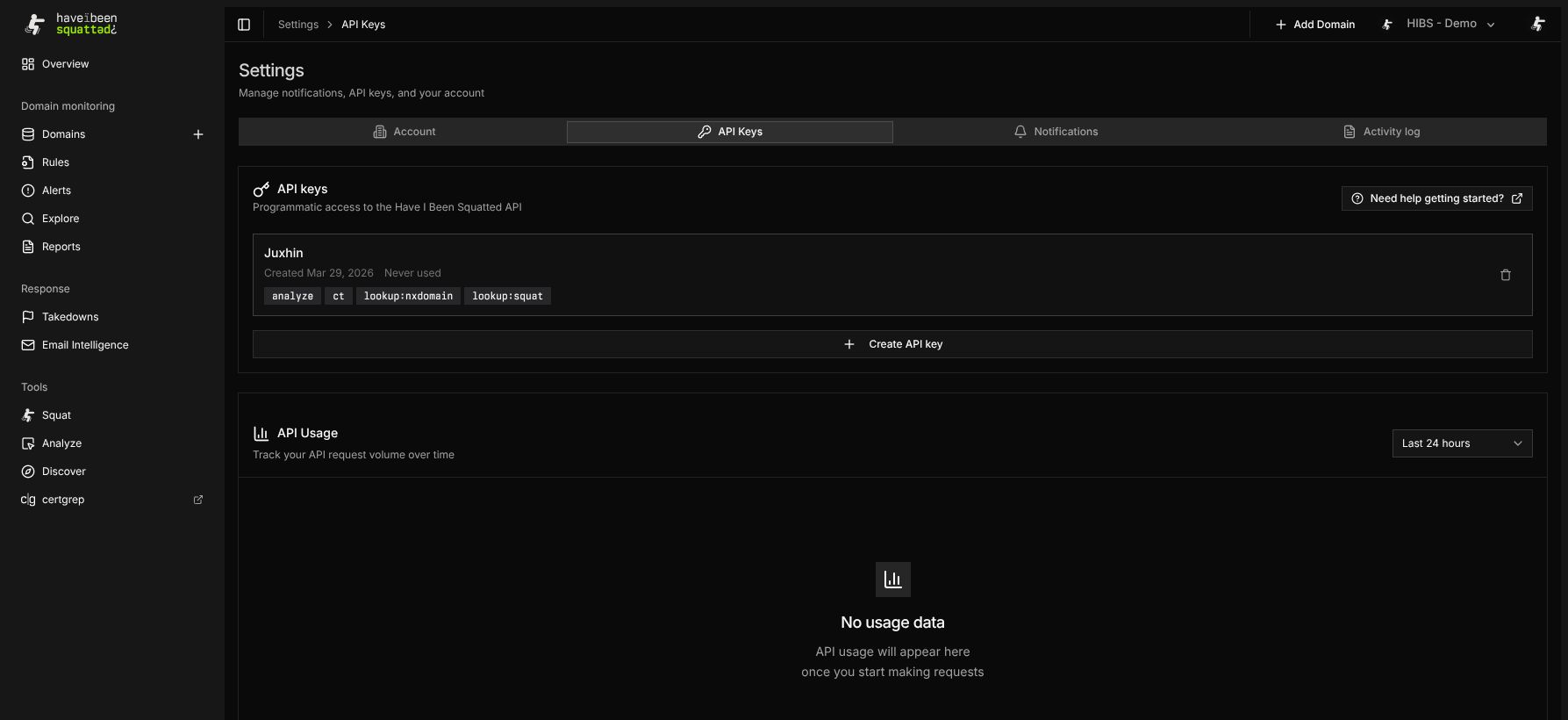
Create keys with only the scopes required by the integration. The token value is shown once at creation. Store it in a secret manager and rotate it when the integration owner changes.
Common scopes include:
lookup:squatfor typosquatting lookup.lookup:nxdomainfor unregistered permutation lookup.analyzefor one-off domain analysis.ctfor certificate transparency queries.lookup:resultfor retained result save or retention extension.
Notifications
Section titled “Notifications”The Notifications tab configures email delivery for monitoring activity.
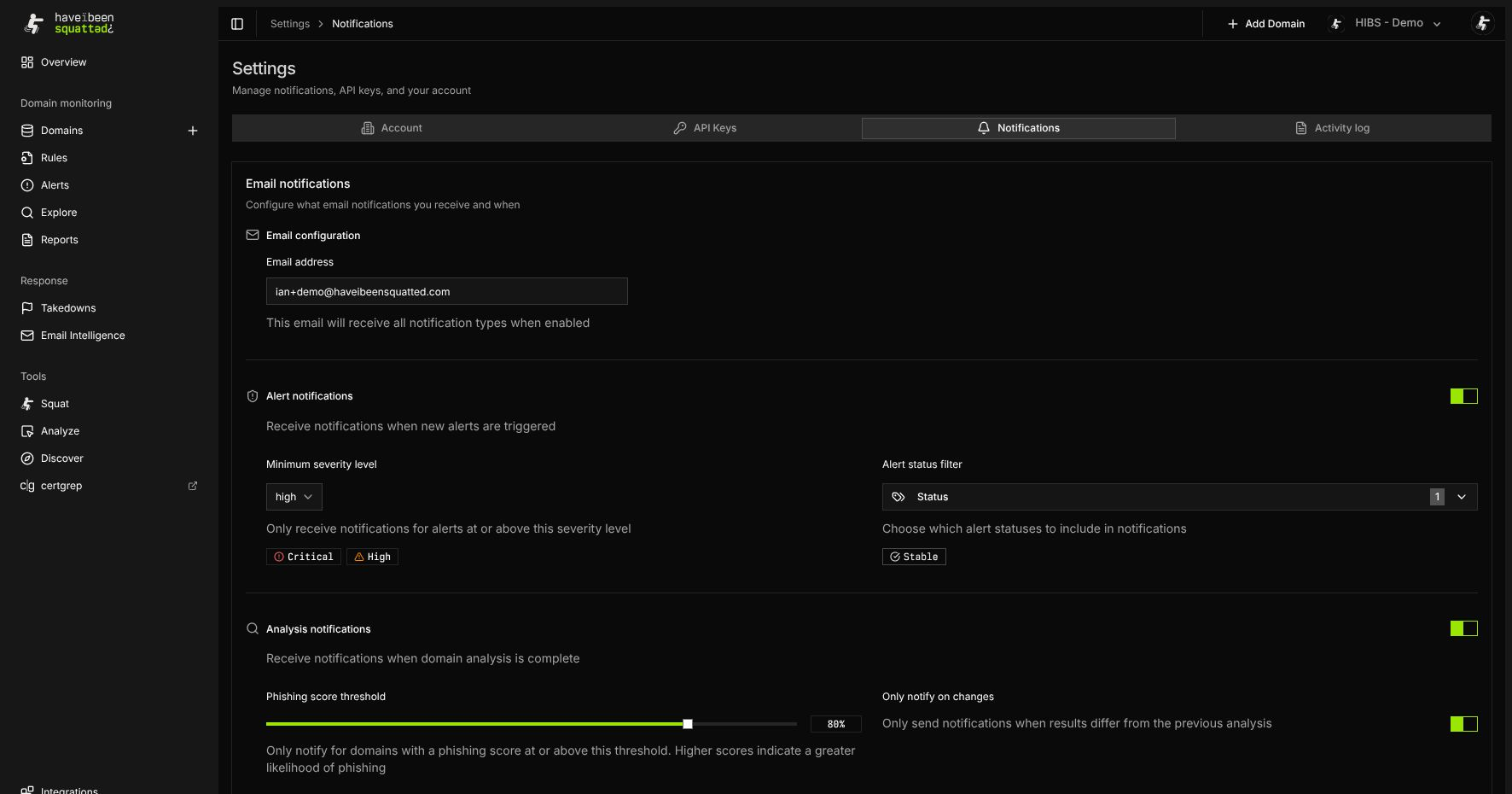
Set the notification email, then configure alert notifications by severity and rule status. Analysis and domain-discovery notifications appear when the organization has the relevant features enabled.
Use notification filters to reduce noise before routing alerts to a shared mailbox or security operations workflow.
Activity log
Section titled “Activity log”The Activity log tab records organization activity where audit logging is entitled. Use it to confirm administrative changes, key lifecycle events, and other security-relevant actions.
If the tab is locked or empty, check the active plan and feature flags in the access control reference.
Administrative safety
Section titled “Administrative safety”- Keep API keys scoped and time-limited where possible.
- Prefer organization-owned email addresses for notifications.
- Review activity after changing integrations, monitored domains, or rules.
- Avoid sharing screenshots that expose real monitored domains, email addresses, API keys, or organization names.